

Are you tired of wrestling with outdated CAD software for your structural steel detailing projects? Look no further! We’ve compiled a game-changing list of the top 5 CAD software solutions that will skyrocket your productivity and precision. Whether you’re a seasoned pro or just starting out, these powerful tools will transform the way you work. Let’s dive in and discover which software will be your new secret weapon in the world of structural steel detailing.
1. Tekla Structures: The All-in-One Powerhouse
Tekla Structures stands tall as the go-to solution for many structural engineers and detailers. This robust software offers a comprehensive suite of tools specifically designed for steel detailing.
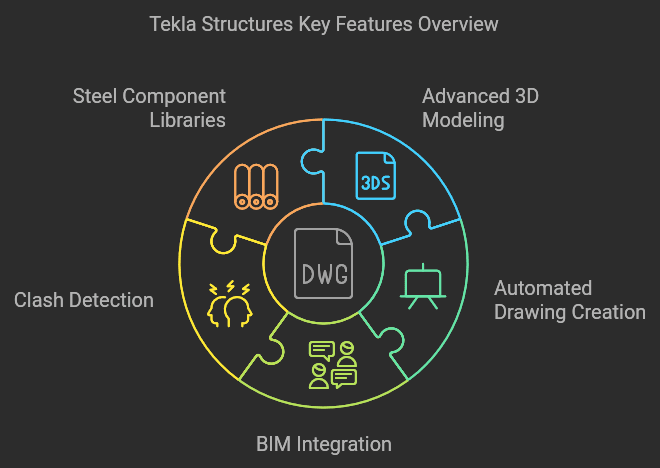
Key Features:
- Advanced 3D modeling capabilities
- Automated drawing creation
- Seamless BIM integration
- Clash detection and resolution
- Extensive libraries of steel components and connections
Why it’s a game-changer: Tekla Structures excels in handling complex projects with ease. Its intelligent modeling system allows for quick modifications and updates, ensuring your designs stay accurate throughout the entire process.
2. AutoCAD: The Time-Tested Classic
AutoCAD remains a staple in the CAD world, and for good reason. While it may not be specialized for steel detailing, its versatility and widespread use make it a valuable tool in any detailer’s arsenal.
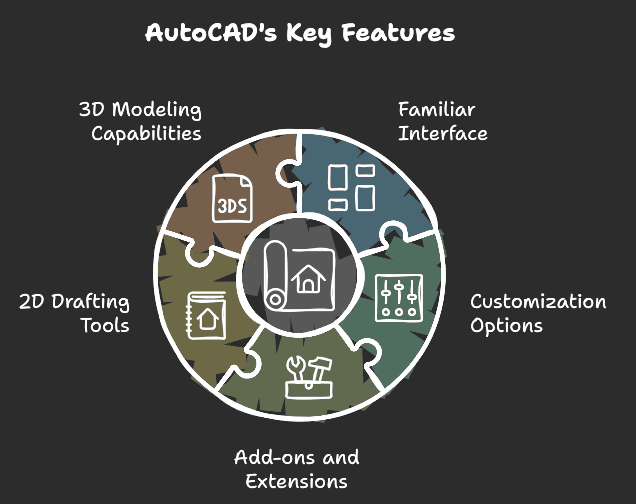
Key Features:
- Familiar interface for experienced users
- Extensive customization options
- Large library of add-ons and extensions
- Powerful 2D drafting tools
- 3D modeling capabilities
Why it’s a game-changer: AutoCAD’s flexibility allows you to create detailed 2D drawings and basic 3D models. Its popularity ensures compatibility with a wide range of other software and tools in the industry.
3. SDS/2: The Steel Detailing Specialist
SDS/2 is purpose-built for structural steel detailing, offering a streamlined workflow that caters specifically to the needs of steel detailers and fabricators.
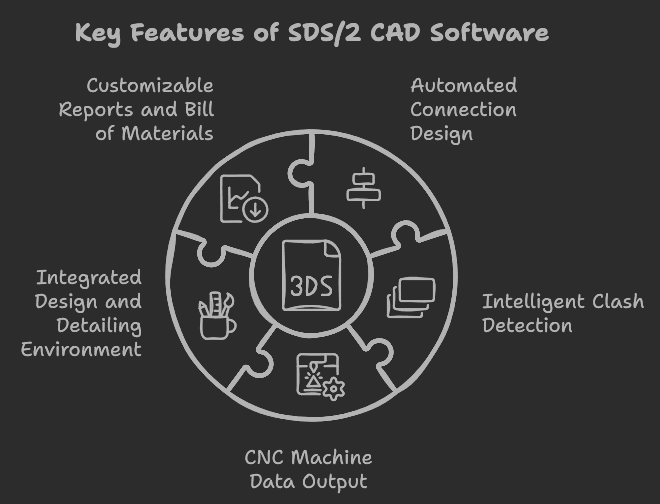
Key Features:
- Automated connection design
- Intelligent clash detection
- CNC machine data output
- Integrated design and detailing environment
- Customizable reports and bill of materials
Why it’s a game-changer: SDS/2’s focus on steel detailing means it can automate many time-consuming tasks, from connection design to creating shop drawings. This specialization can lead to significant time savings on steel-specific projects.
4. Advance Steel: The AutoCAD-Based Powerhouse
Built on the familiar AutoCAD platform, Advance Steel combines the ease of use of AutoCAD with powerful steel detailing capabilities.
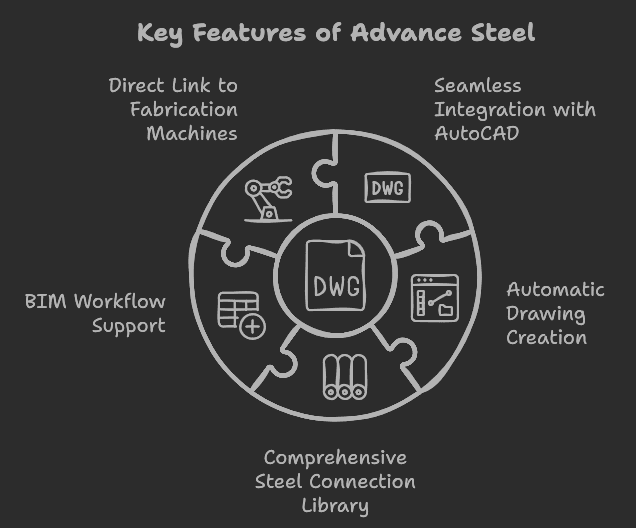
Key Features:
- Seamless integration with AutoCAD
- Automatic drawing creation
- Comprehensive steel connection library
- BIM workflow support
- Direct link to fabrication machines
Why it’s a game-changer: Advance Steel bridges the gap between general CAD work and specialized steel detailing. Its AutoCAD foundation makes it easier for AutoCAD users to transition into more advanced steel detailing work.
5. RISA: The Structural Analysis Integration Champion
While primarily known for structural analysis, RISA offers robust detailing capabilities that seamlessly integrate with its analysis tools.
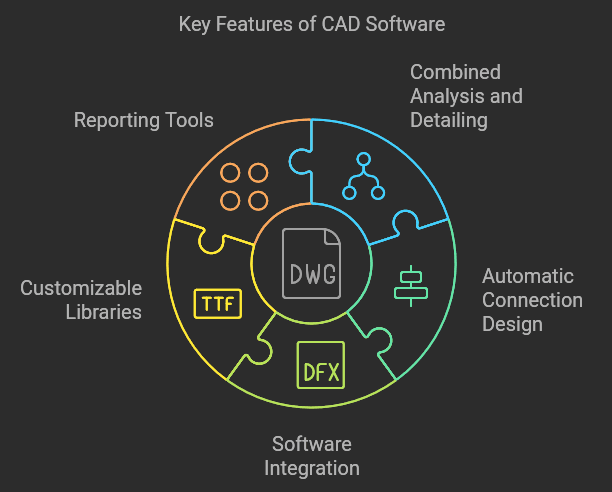
Key Features:
- Combined analysis and detailing environment
- Automatic connection design based on analysis results
- Integration with other popular CAD software
- Customizable libraries and templates
- Comprehensive reporting tools
Why it’s a game-changer: RISA’s integration of analysis and detailing in one package can streamline the entire structural design process, from concept to final detailing.
Frequently Asked Questions:
Q: Which software is best for beginners in structural steel detailing? A: For beginners, AutoCAD or Advance Steel might be good starting points due to their user-friendly interfaces and extensive learning resources.
Q: Can these software solutions handle large-scale projects? A: Yes, all of these tools are capable of handling large-scale projects. Tekla Structures and SDS/2 are particularly well-suited for complex, large-scale steel structures.
Q: Do these software options support BIM workflows? A: Yes, all of the mentioned software support BIM workflows to varying degrees, with Tekla Structures and Advance Steel offering particularly strong BIM integration.
Q: Are there any free alternatives to these CAD software for steel detailing? A: While not as feature-rich, some free alternatives include FreeCAD and LibreCAD. However, for professional work, investing in specialized software is often more efficient in the long run.
Q: How often do I need to update these software solutions? A: Most of these software providers release updates annually or bi-annually. It’s generally recommended to stay up-to-date to benefit from the latest features and compatibility improvements.
In conclusion, choosing the right CAD software for structural steel detailing can significantly impact your productivity and the quality of your work. Whether you opt for the all-in-one power of Tekla Structures, the familiarity of AutoCAD, the specialization of SDS/2, the AutoCAD-based strength of Advance Steel, or the analysis integration of RISA, each of these top 5 solutions offers unique advantages to elevate your structural steel detailing game.
Remember, the best software for you depends on your specific needs, project requirements, and team dynamics. Take advantage of free trials when available to test these tools and find the perfect fit for your workflow. With the right CAD software in your toolkit, you’ll be well-equipped to tackle even the most complex structural steel detailing projects with confidence and precision.